Inspect your role and team in the app.
Who this is for
This tutorial is for coaches and team managers using the mobile app.
What you will learn
- Verify you have the right role and teams allocated to you
- View and manage your team
- View fixtures and manage the match sheets
- Additional features for coaches and team managers
Before you start
- Sign in to the app with your account.
- Make sure you have the latest version of the app installed
View your role and team allocation
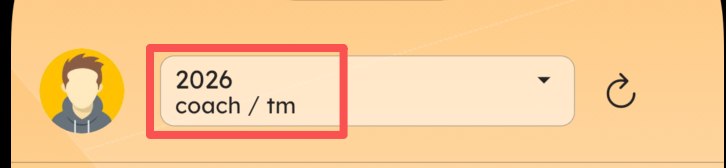
If you have been allocated to a team as a coach or team manager, you will see your role and team in the app. At the top of the dashboard screen, you can see this information as shown in the following screenshot: For the 2026 season, you have been granted Coach and Team Manager roles.
Click the My Teams card to see the following screen:
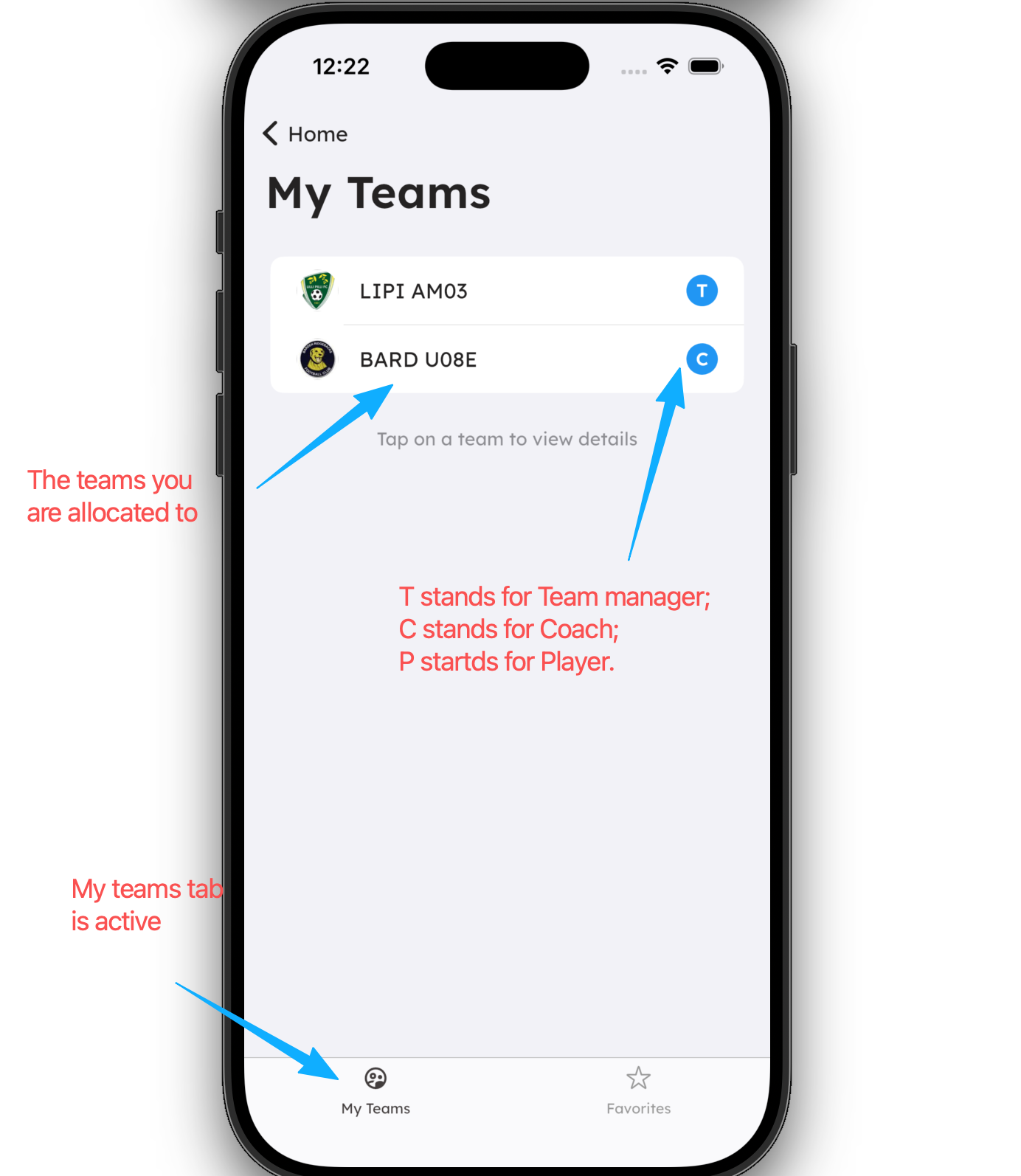
Team managers and coaches have the same permissions in the app.
You can be the team manager or coach of multiple teams.
Common problems
- If you registered as a coach or team manager and were approved, but you cannot see your role or team in the app, please refer to the cannot see teams tutorial for more details.